audio mastering

Complete Audio Production Guide
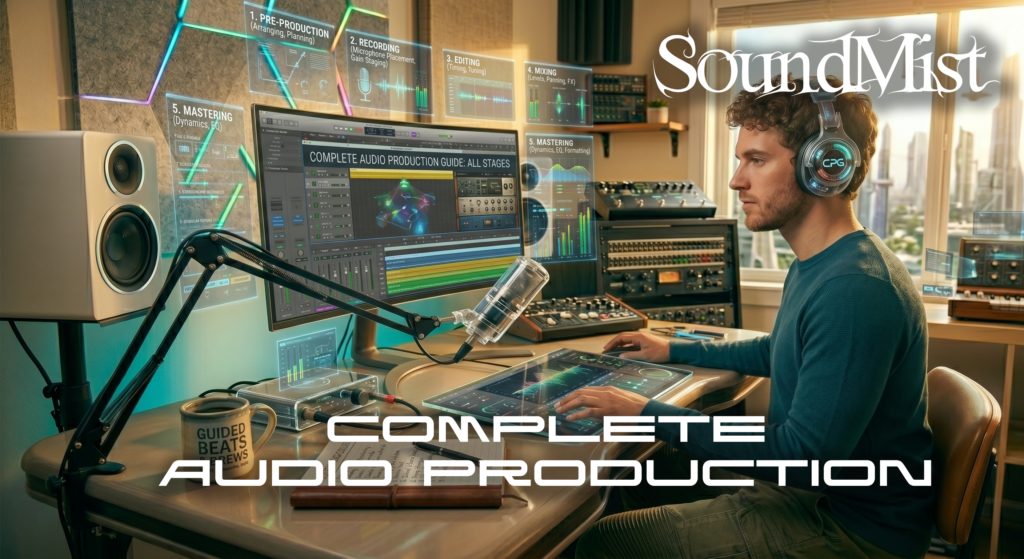
SoundMist Complete Audio Production

Complete Audio Production Guide

Audio production involves multiple stages, from recording to mixing and mastering.


The process begins with recording clean audio using proper mic placement and gain levels.


Next comes editing, where you remove noise, correct timing, and prepare tracks for mixing.


Mixing involves balancing levels, applying e ects, and creating a cohesive sound.


Mastering is the final step, ensuring your track sounds polished and consistent across all playback systems.


Most beginners start with stereo production, but advanced creators may explore surround and immersive formats.


Learn the key dfferences here: https://soundmist.com/surround-sound-vs-stereo-in-a-daw/

Understanding the full work ow helps you produce professional-quality audio from start to finish.

Complete Audio Production Guide Read More »
Audio Production Trends

SoundMist Future Audio Production

Future Of Audio Production

Audio production is evolving rapidly, driven by new technology and changing listener expectations.


One of the biggest trends is spatial audio, including Dolby Atmos. Streaming platforms are increasingly supporting immersive formats.


AI-powered tools are also becoming more common, assisting with mixing, mastering, and sound design.


Remote collaboration has grown, allowing producers to work from anywhere.


Despite these innovations, stereo remains dominant for music distribution.


To understand where things are heading, compare current formats: https://soundmist.com/surround-sound-vs-stereo-in-a-daw/

Staying updated with trends helps producers remain competitive in a fast-changing industry.

Audio Production Trends Read More »

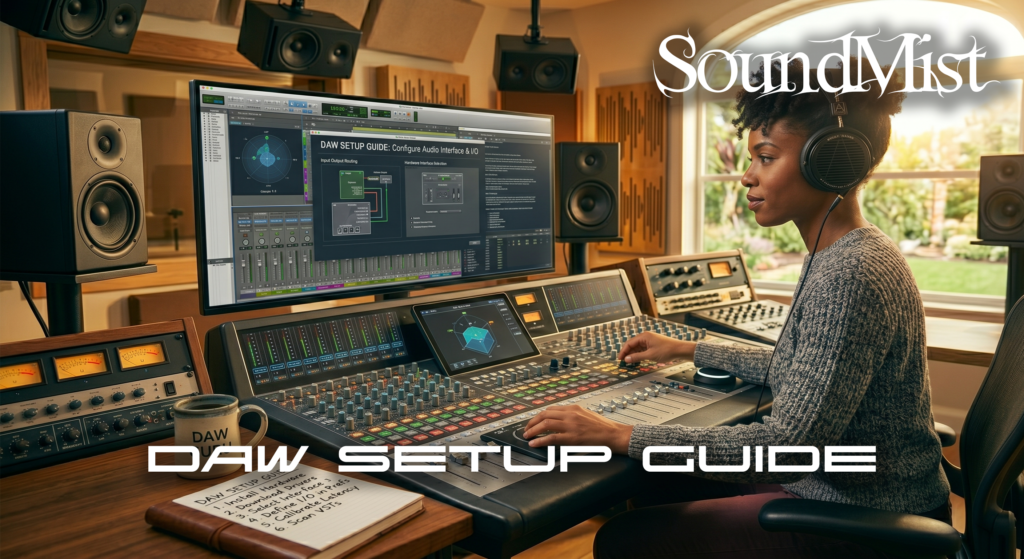
DAW Setup Guide

SoundMist Daw Setup

How To Set Up A DAW

Setting up your DAW correctly is the first step toward efficient music production.


Begin by installing your preferred DAW and configuring your audio interface. Set the correct input and output devices in your audio settings.


Adjust buffer size depending on your workflow—low for recording, high for mixing.


Organize your workspace with templates. Pre-loading tracks for drums, vocals, and instruments saves time.


Install essential plugins such as EQ, compression, and reverb.


For surround or immersive workflows, additional setup is required, including multi-output routing and speaker calibration.


Learn how setup differs across formats: https://soundmist.com/surround-sound-vs-stereo-in-a-daw


A well-configured DAW improves both speed and creativity.

DAW Setup Guide Read More »

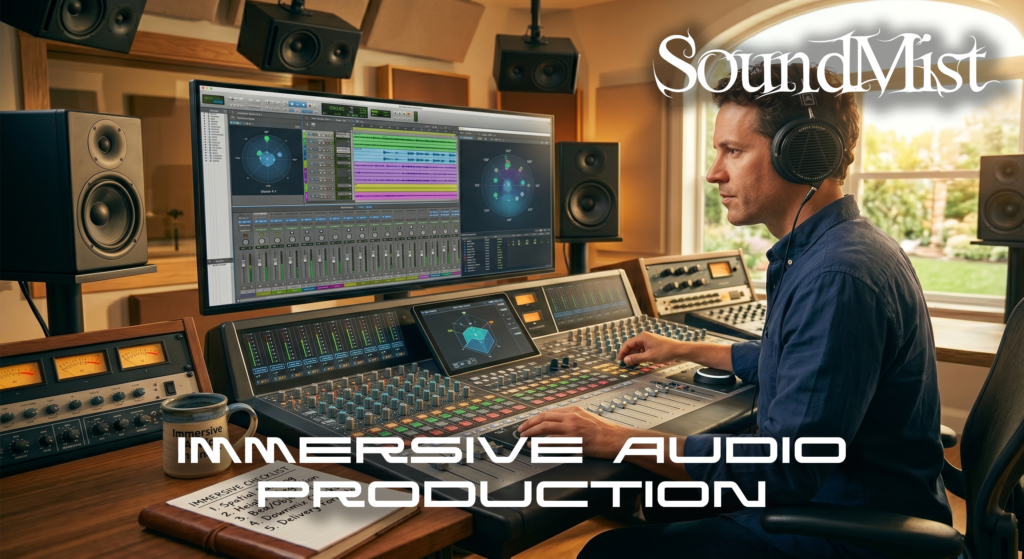
Immersive Audio Production

SoundMist Immersive Audio Production

Immersive Audio Production Guide

Immersive audio production is transforming how listeners experience sound. Formats like Dolby Atmos allow producers to place audio in a three-dimensional environment.


Unlike stereo, immersive audio is not limited to left and right channels. Sounds can be positioned above, behind, and around the listener.


This format is widely used in film, gaming, and now increasingly in music streaming platforms.


Producing immersive audio requires a compatible DAW, specialized plugins, and often a multi speaker setup or binaural rendering for headphones.


One key concept is object-based mixing, where sounds are treated as individual objects rather than mixed channels.


If you are transitioning from traditional workflows, start here: https://soundmist.com/surround vs stereo in a daw

Immersive audio opens new creative possibilities, but it also requires a deeper understanding of spatial design.

Immersive Audio Production Read More »

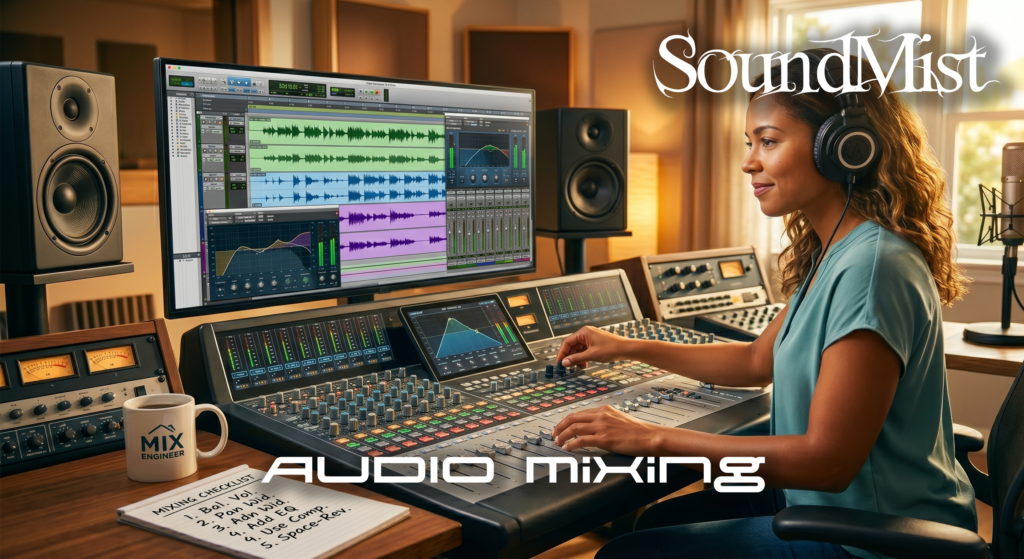
Audio Mixing Tips

Audio Mixing Tips For Beginners

Mixing audio can feel overwhelming at first, but a few fundamental techniques can dramatically improve your results.


Start with gain staging. Ensure all tracks have balanced levels before applying effects. This prevents distortion and maintains clarity.


Use EQ to carve space for each element. Avoid boosting too much—instead, cut unnecessary frequencies.


Panning helps create width. Keep important elements like vocals centered, and spread supporting elements across the stereo field.


Apply compression to control dynamics and maintain consistency. Avoid over-compression, which can make your mix sound lifeless.


Reference professional tracks in your genre to compare levels, tonal balance, and stereo width.


Finally, take breaks. Fresh ears help you identify issues you might miss during long sessions.


If you want to understand how mixing changes in immersive formats, explore: https://soundmist.com/surround-sound-vs-stereo-in-a-daw/

Mixing is both technical and creative—the more you practice, the better your results.

Audio Mixing Tips Read More »

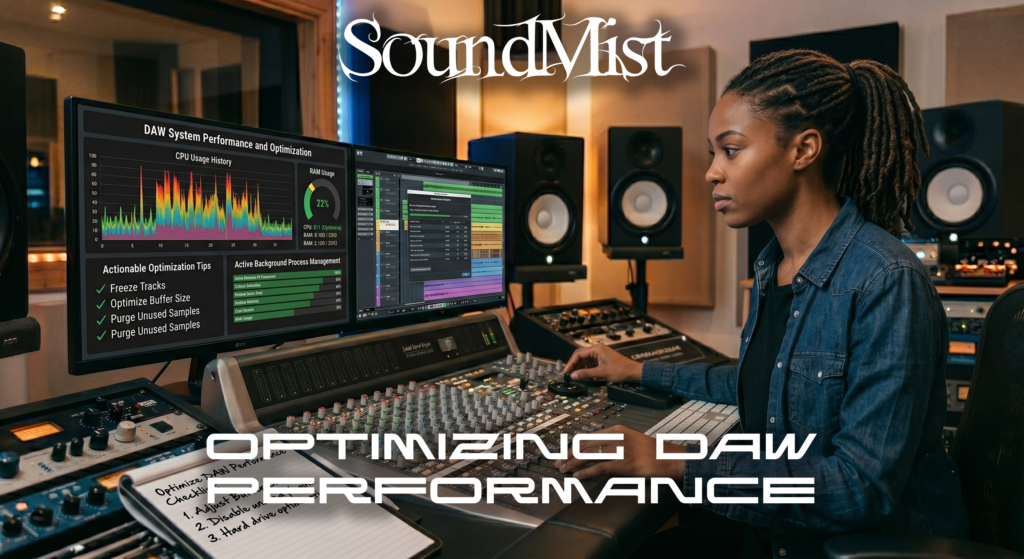
DAW Performance Tips

SoundMist DAW Performance

Optimize DAW Performance

Optimizing your DAW performance is essential for smooth music production, especially when working with large projects or surround sound sessions.


Start by adjusting your buffer size. A lower buffer reduces latency during recording, while a higher buffer improves stability during mixing.


Freeze or bounce tracks to reduce CPU usage. This is especially helpful when using heavy plugins like virtual instruments or convolution reverb.


Organize your session by grouping tracks and labeling them clearly. This improves workflow and reduces confusion in complex mixes.


Use efficient plugins. Some third-party plugins consume more CPU than stock plugins, so choose wisely.


Keep your system clean by closing unnecessary applications and ensuring your DAW is running on an SSD for faster load times.


If you are working with multi-channel audio, performance becomes even more critical. Learn how formats impact workflow here:
https://soundmist.com/surround-sound-vs-stereo-daw


A well-optimized DAW allows you to focus on creativity instead of technical limitations.

DAW Performance Tips Read More »