SoundMist

DAW Setup Guide

SoundMist Daw Setup

How To Set Up A DAW

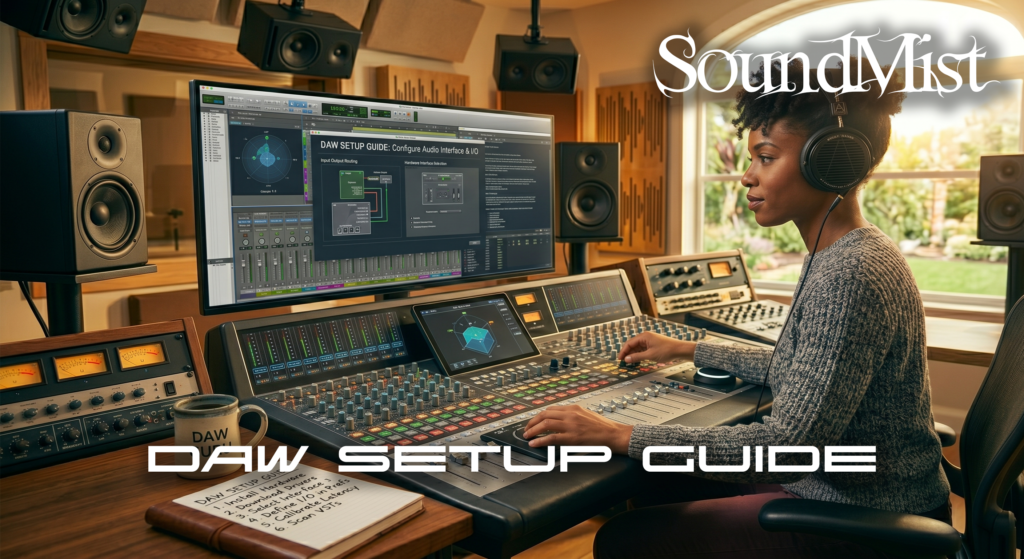
Setting up your DAW correctly is the first step toward efficient music production.


Begin by installing your preferred DAW and configuring your audio interface. Set the correct input and output devices in your audio settings.


Adjust buffer size depending on your workflow—low for recording, high for mixing.


Organize your workspace with templates. Pre-loading tracks for drums, vocals, and instruments saves time.


Install essential plugins such as EQ, compression, and reverb.


For surround or immersive workflows, additional setup is required, including multi-output routing and speaker calibration.


Learn how setup differs across formats: https://soundmist.com/surround-sound-vs-stereo-in-a-daw


A well-configured DAW improves both speed and creativity.
DAW Setup Guide Read More »

Surround Sound Guide

SoundMist

Surround Sound Mix In DAW

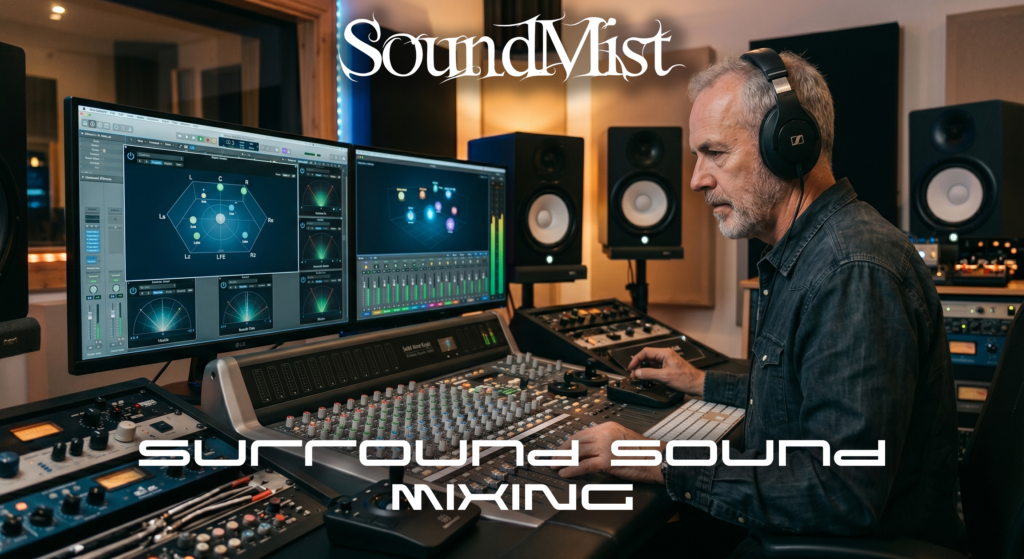
Surround sound mixing goes beyond traditional stereo by placing audio in a three dimensional space. It is widely used in film, gaming, and immersive audio experiences.


Unlike stereo’s two channels, surround sound systems use multiple channels such as 5.1 or 7.1. These include front, center, rear, and subwoofer channels, allowing sound to move
around the listener.


In a DAW, surround mixing requires routing audio to multiple outputs. Instead of simple panning, you position sounds in a 360-degree field.


Dialogue is typically placed in the center channel, while ambient sounds and effects are spread across rear speakers to create immersion.


To work effectively, you need a compatible DAW like Pro Tools or Logic Pro, a multi-output audio interface, and a calibrated speaker system.


One of the biggest challenges is ensuring your mix translates well to stereo, as many users still listen on headphones.


If you’re just starting out, it’s best to first understand stereo workflows here: https://soundmist.com/stereo-mixing-basics


Surround sound is powerful, but it requires careful planning, technical setup, and a clear creative vision.

Surround Sound Guide Read More »

Stereo Mixing Basics

How To Mix Stereo In DAW

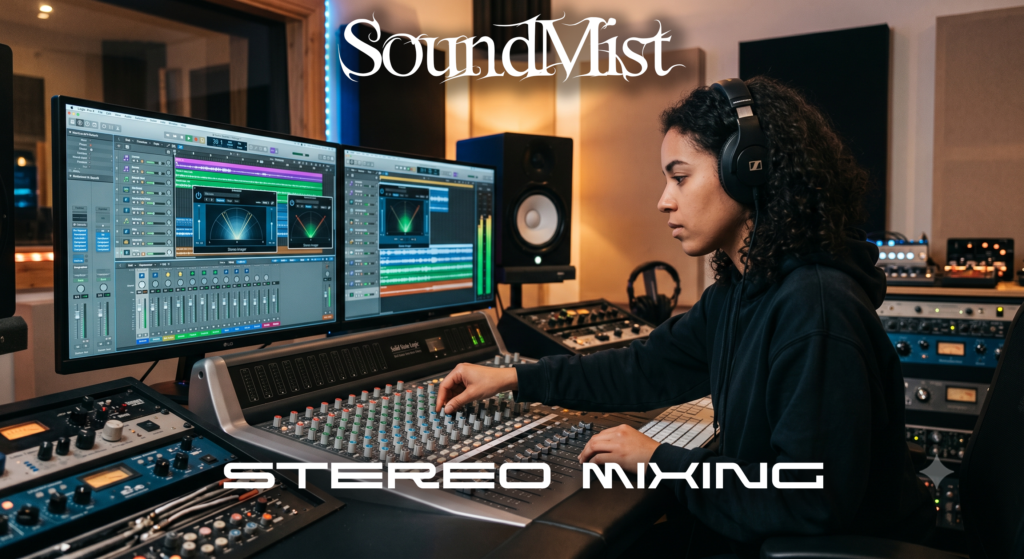
Stereo mixing is the foundation of modern music production. Whether you are producing beats, recording vocals, or mastering a track, understanding how to mix in stereo ensures
your music translates well across all playback systems.


At its core, stereo audio uses two channels: left and right. The goal of mixing in stereo is to create a sense of width, balance, and depth so each element has its own space.


Start with panning. Kick drums and bass are usually centered, while instruments like guitars, synths, and hi-hats can be spread across the stereo field. This creates separation and avoids frequency clashes.


Next, focus on EQ and frequency balance. Each instrument should occupy its own frequency range. For example, remove low-end frequencies from vocals to make room for bass
elements.


Reverb and delay help create depth. Short reverbs keep elements upfront, while longer reverbs push them further back in the mix.


Compression controls dynamics and keeps levels consistent, especially for vocals and drums.


A key tip is to check your mix in mono occasionally. This ensures your stereo mix will still sound good on devices with limited playback capabilities.


For a broader comparison with immersive formats, read: https://soundmist.com/surround-sound-vs-stereo-daw


Mastering stereo mixing is essential before exploring more advanced formats like surround sound or Dolby Atmos.

Stereo Mixing Basics Read More »