

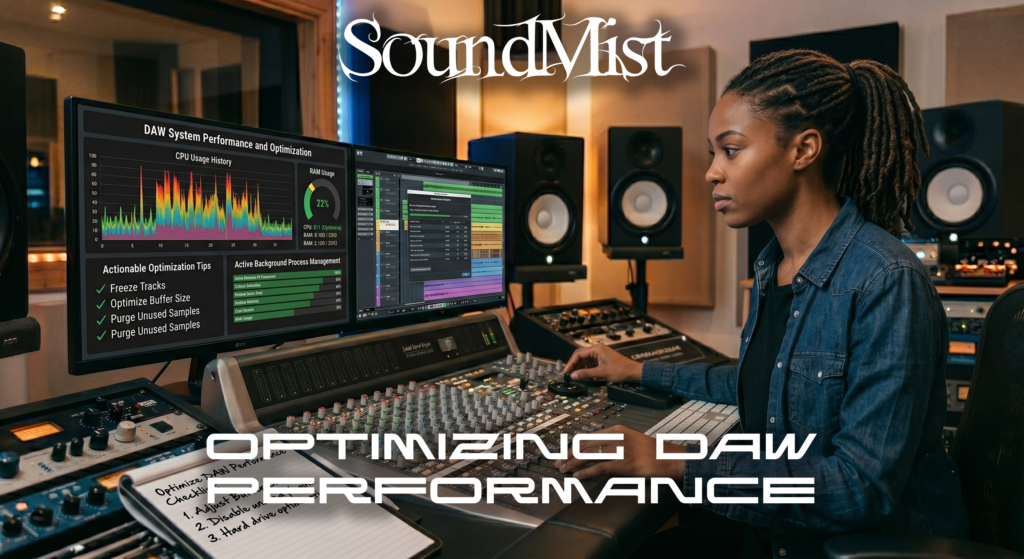
Optimize DAW Performance
Optimizing your DAW performance is essential for smooth music production, especially when working with large projects or surround sound sessions.
Start by adjusting your buffer size. A lower buffer reduces latency during recording, while a higher buffer improves stability during mixing.
Freeze or bounce tracks to reduce CPU usage. This is especially helpful when using heavy plugins like virtual instruments or convolution reverb.
Organize your session by grouping tracks and labeling them clearly. This improves workflow and reduces confusion in complex mixes.
Use efficient plugins. Some third-party plugins consume more CPU than stock plugins, so choose wisely.
Keep your system clean by closing unnecessary applications and ensuring your DAW is running on an SSD for faster load times.
If you are working with multi-channel audio, performance becomes even more critical. Learn how formats impact workflow here:
https://soundmist.com/surround-sound-vs-stereo-daw
A well-optimized DAW allows you to focus on creativity instead of technical limitations.