audiobook

Complete Audio Production Guide

SoundMist Complete Audio Production

Complete Audio Production Guide

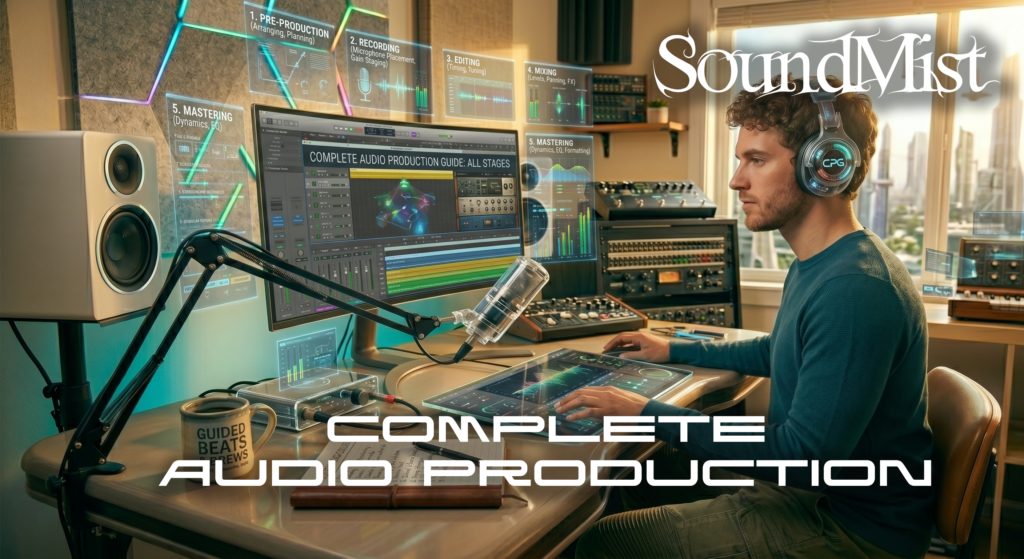
Audio production involves multiple stages, from recording to mixing and mastering.


The process begins with recording clean audio using proper mic placement and gain levels.


Next comes editing, where you remove noise, correct timing, and prepare tracks for mixing.


Mixing involves balancing levels, applying e ects, and creating a cohesive sound.


Mastering is the final step, ensuring your track sounds polished and consistent across all playback systems.


Most beginners start with stereo production, but advanced creators may explore surround and immersive formats.


Learn the key dfferences here: https://soundmist.com/surround-sound-vs-stereo-in-a-daw/

Understanding the full work ow helps you produce professional-quality audio from start to finish.

Complete Audio Production Guide Read More »

Home Studio Setup

SoundMist Home Studio Setup

Home Studio Setup On A Budget

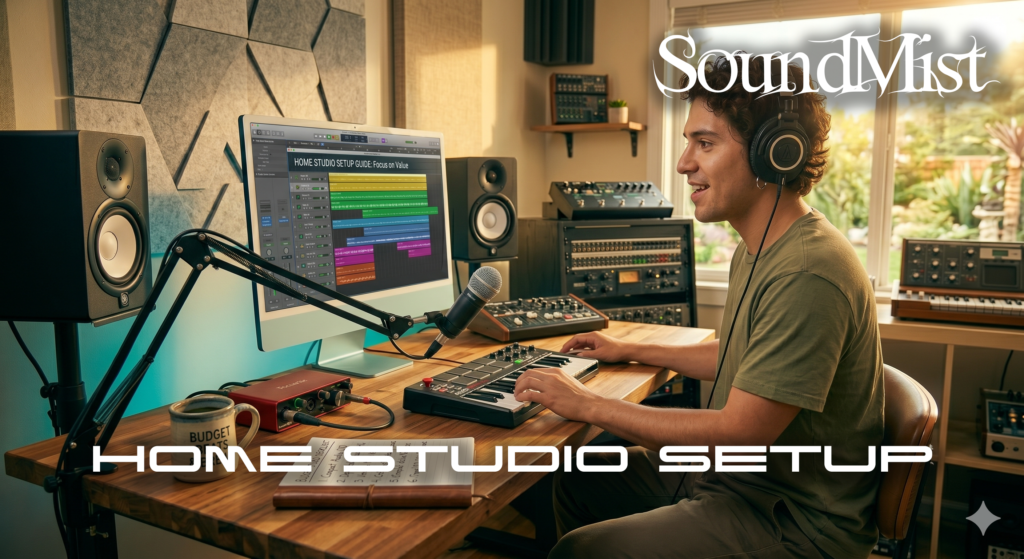
Building a home studio does not have to be expensive. With the right approach, you can create a professional setup on a budget.


Start with a reliable computer and a DAW. Add an audio interface and a pair of studio headphones or monitors.


Acoustic treatment is often overlooked but crucial. Even simple foam panels can improve sound quality.


A basic microphone is enough for vocals or instruments when starting out.


If you plan to explore surround sound, you will need multiple speakers and more space.

Compare formats before investing heavily: https://soundmist.com/surround-sound-vs-stereo-in-a-daw/

Focus on essentials first, then upgrade as your skills grow.

Home Studio Setup Read More »

Easiest Way To Narrate & Record AudioBook At Home

SoundMist Audiobook Narration

Narrate & Record AudioBook At Home

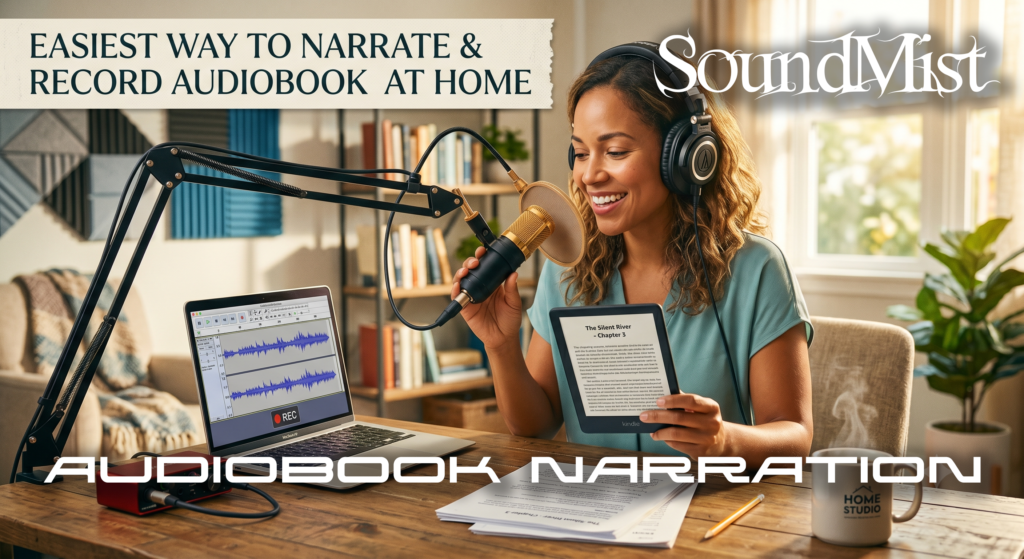
Recording audiobook narration at home is absolutely possible when you combine the right gear, software, and technique, even though it can feel challenging at first. With a bit of preparation, you can produce voiceovers that sound clean, professional, and ready for publication.

Pick the right recording space

Choose the quietest area in your home, away from traffic, appliances, and echoes. A small room with soft furnishings works best, such as a closet or a space with carpets, curtains, and cushions to absorb sound and reduce reflections.

Use a quality mic and interface

Your microphone and audio interface are at the core of your sound quality. Aim for a good dynamic or condenser mic that captures your voice clearly, paired with an interface that provides clean gain and stable connection to your computer. Popular audiobook setups often include a broadcast-style microphone, a clean preamp, and a reliable USB or Thunderbolt interface to keep noise and distortion low.

Record and edit with dependable software

You’ll need audio software (a DAW) that lets you record, edit, and polish your narration to publishing standards. Free tools like Audacity can handle basic recording and editing, while more advanced suites with features such as noise reduction, de-clicking, and EQ give you greater control over final quality.spotlight.

Develop strong narration skills

Great audiobooks depend as much on performance as on sound quality. Practice reading aloud with clear diction, controlled pacing, and consistent energy so listeners can follow the story easily. Studying acting, taking voice classes, or working through online narration tutorials can help you bring characters, emotions, and different styles of text to life.

Practice and refine your workflow

Treat each recording session like a skill-building exercise. Record test passages, listen back critically, and note issues like mouth noise, popping, or uneven volume so you can fix them in future takes. Over time, you’ll develop a repeatable workflow for setting levels, managing takes, and editing that makes home audiobook production more efficient and rewarding.

Easiest Way To Narrate & Record AudioBook At Home Read More »

DAW Performance Tips

SoundMist DAW Performance

Optimize DAW Performance

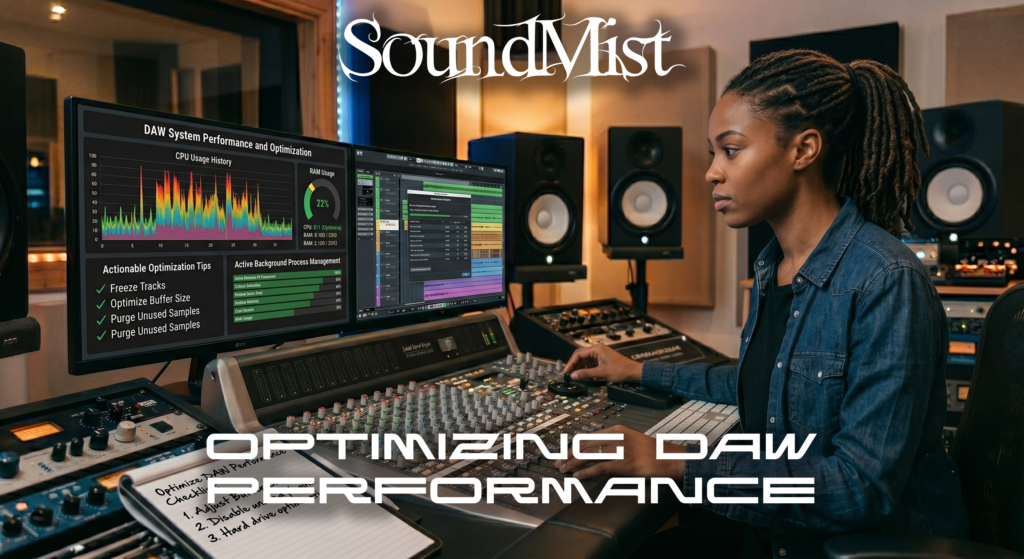
Optimizing your DAW performance is essential for smooth music production, especially when working with large projects or surround sound sessions.


Start by adjusting your buffer size. A lower buffer reduces latency during recording, while a higher buffer improves stability during mixing.


Freeze or bounce tracks to reduce CPU usage. This is especially helpful when using heavy plugins like virtual instruments or convolution reverb.


Organize your session by grouping tracks and labeling them clearly. This improves workflow and reduces confusion in complex mixes.


Use efficient plugins. Some third-party plugins consume more CPU than stock plugins, so choose wisely.


Keep your system clean by closing unnecessary applications and ensuring your DAW is running on an SSD for faster load times.


If you are working with multi-channel audio, performance becomes even more critical. Learn how formats impact workflow here:
https://soundmist.com/surround-sound-vs-stereo-daw


A well-optimized DAW allows you to focus on creativity instead of technical limitations.

DAW Performance Tips Read More »